How to Choose a Laptop for School, Work or Gaming
MacBook Air, Windows, Chromebook or gaming laptop? How to match memory, storage, screen and battery to how you actually work, with real examples.
The right laptop is the one that matches the software you need, the hours you spend away from an outlet, and how much you carry it. Start with the operating system your school or job requires, then choose memory, storage and screen size. Processor model numbers matter less than most buyers think for everyday school and office work.
Key takeaways
- Check software requirements first. A course or employer that needs Windows-only apps decides the question for you.
- Buy 16GB of memory for any Mac or Windows laptop you plan to keep several years.
- 512GB of storage suits most people; choose 1TB for video, photos or games.
- Thin and light suits students and commuters. Gaming laptops trade weight and battery for graphics power.
- Chromebooks are excellent for web-based schoolwork and poor for specialist desktop software.
Which laptop operating system should you choose?
Choose the operating system your required software runs on, then your preference. macOS suits people in the Apple ecosystem and creative work. Windows runs the widest range of business, engineering and gaming software. ChromeOS is simple and secure for web-based work. Most everyday tasks work well on all three.
| macOS | Windows | ChromeOS | |
|---|---|---|---|
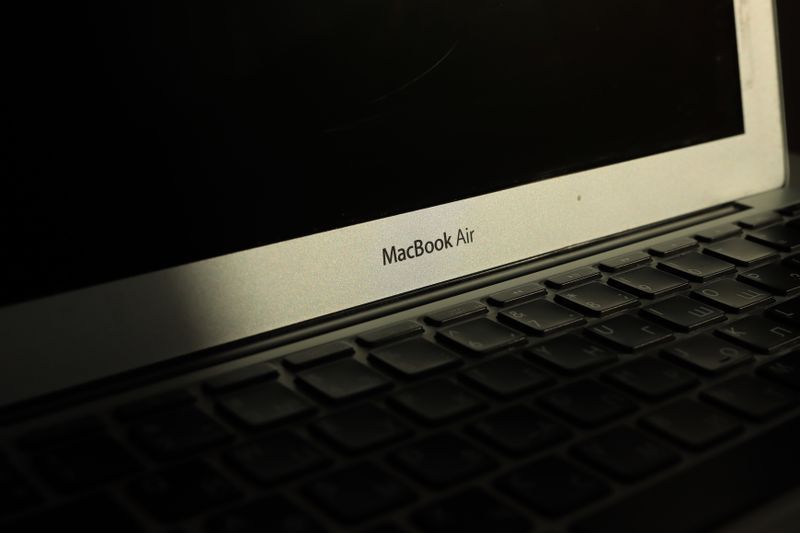
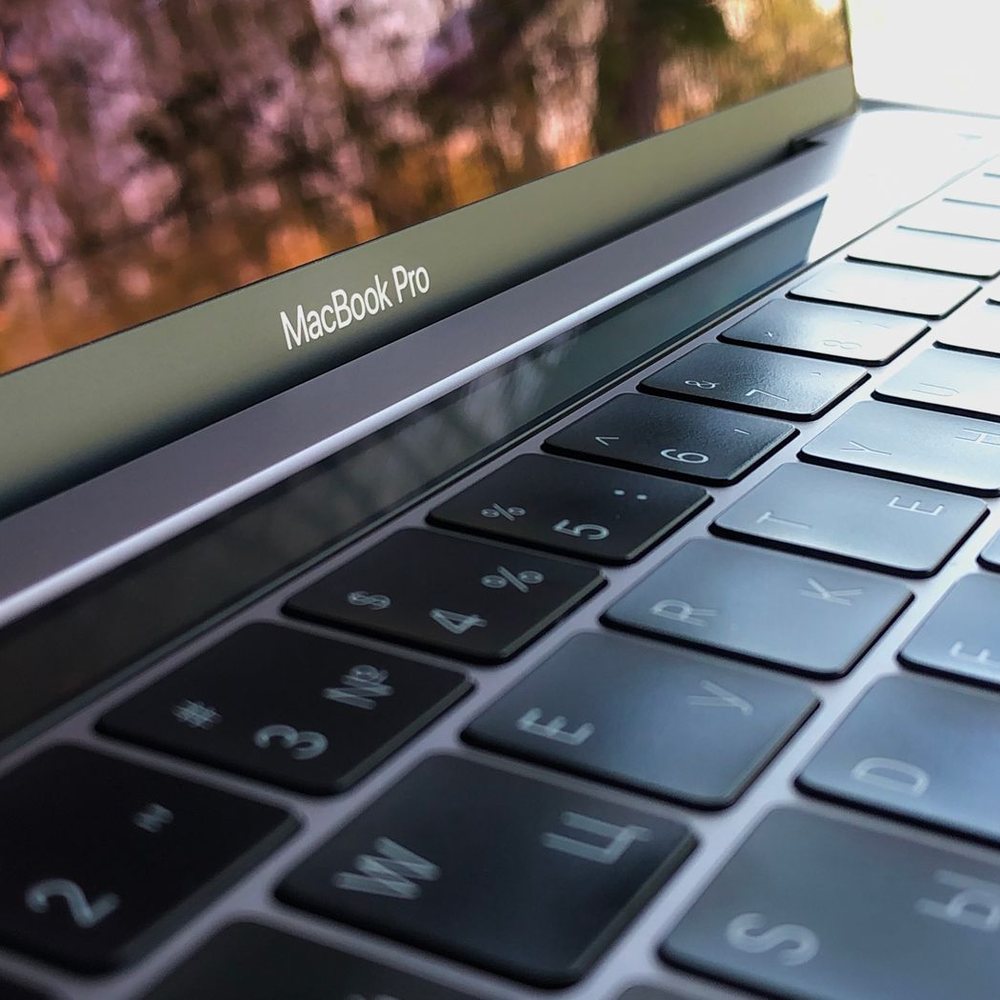
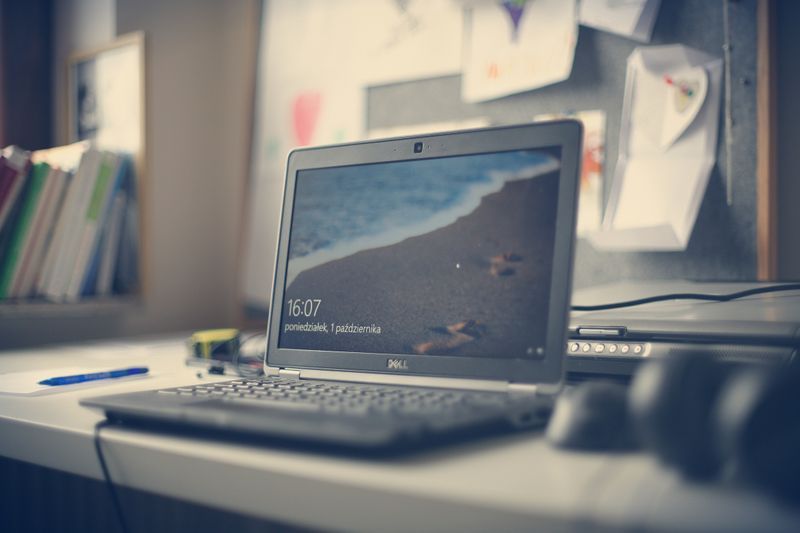
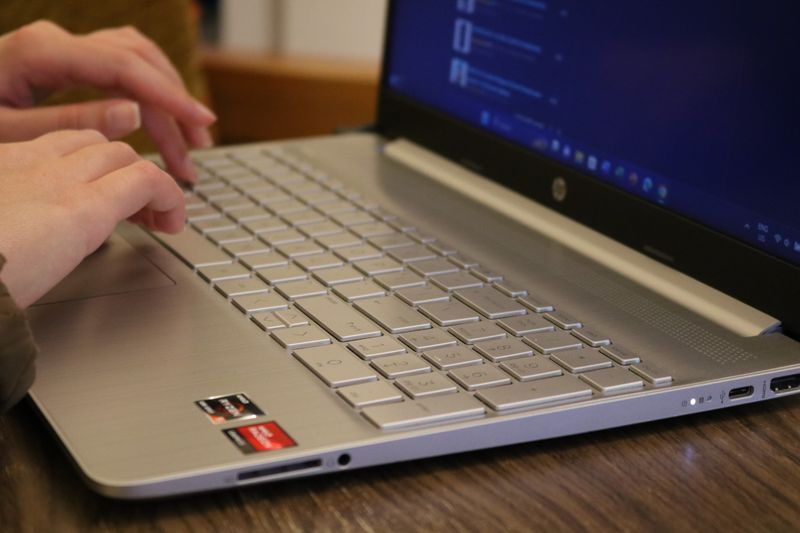
| Examples we carry | MacBook Air 13” M4, MacBook Pro 14” M5 | Dell Inspiron 15, HP Pavilion 15, Lenovo IdeaPad Slim 5, ASUS ROG Strix G16 | Acer Chromebook 315 |
| Best for | Apple households, students, creative work | Office, engineering, business software, gaming | Web-based schoolwork, simple home use |
| Software range | Wide, including pro creative apps | Widest, including most games | Web apps and Android apps |
| Gaming | Limited library | Best choice | Mostly cloud gaming |
| Learning curve | Easy for iPhone users | Familiar to most people | Easiest |
A good habit before buying: write down the three programs you use most, then check each one runs on the platform you are considering. That five-minute check prevents most laptop returns we see.
What is the best laptop for students?
For most students, the best laptop is light, has a full day of battery, 16GB of memory and at least 512GB of storage. The MacBook Air M4 fits that description well, as do thin Windows laptops like the Lenovo IdeaPad Slim 5. A Chromebook is a lower-cost option when the school runs on Google Workspace.
Things that matter specifically for students:
- Weight and size. A 13- or 14-inch laptop is easier to carry between classes than a 15- or 16-inch one.
- Battery. Classrooms and libraries do not always have outlets near your seat. Thin laptops with efficient processors last longest.
- Keyboard and trackpad. You will type thousands of words. Try them in store.
- Durability. A padded sleeve, like the ArmorCase Laptop Sleeve 14”, or the ArmorCase Tech Backpack protects against the bumps of a campus day.
- Program requirements. Engineering, architecture and some science programs list required software. Check before choosing a Mac or Chromebook.
The MacBook Air 13” M4 has a fanless design, so it is silent in lectures, and its base configuration includes 16GB of memory. The Lenovo IdeaPad Slim 5 14” offers a 1TB SSD, useful for students who keep large files locally. The Acer Chromebook 315 is a straightforward option for younger students and web-first coursework.
What laptop is best for working from home or the office?
A work laptop should have 16GB of memory, a comfortable keyboard, a good webcam and microphone, and enough ports for your monitor and accessories. Windows laptops like the Dell Inspiron 15 and HP Pavilion 15 suit most office software; a MacBook suits Apple-based teams and creative roles.
Questions worth answering before you buy a work laptop:
- Does your employer manage the device? Some companies require Windows for security software. Ask IT first.
- Will you use an external monitor? A 27-inch screen like the Dell 27” QHD Monitor makes spreadsheets and documents much easier. Check the laptop has the right video output.
- How many video calls do you take? Built-in webcams vary. A ClickPro 1080p Webcam is an inexpensive upgrade for a desk setup.
- Do you need a number pad? 15-inch laptops like the Dell Inspiron 15 and HP Pavilion 15 usually include one; 13- and 14-inch models usually do not.
For people who edit video, work with large photo libraries or run development tools, the MacBook Pro 14” M5 adds active cooling for sustained performance and a brighter, higher-quality display than the Air.
What should you look for in a gaming laptop?
A gaming laptop needs a dedicated graphics card, strong cooling, a high-refresh-rate display and at least 16GB of memory. The graphics card matters most, because it decides which games you can play and at what settings. Expect a heavier laptop, louder fans under load and shorter battery life than a thin laptop.
The ASUS ROG Strix G16 with RTX 5060 is the gaming laptop we carry. A few practical points before choosing any gaming laptop:
- Plug in to play. Gaming laptops run at full performance on wall power. On battery they reduce performance to save energy.
- Cooling needs space. Use it on a hard surface, not a bed or sofa, so the vents can breathe. This matters more in an Arizona summer, when room temperatures run higher.
- Storage fills quickly. Modern games are large. 1TB is a practical minimum for a gaming library; an internal NVMe drive like the Samsung 990 EVO Plus can add space on laptops with a free slot.
- Accessories help. A wired or wireless mouse such as the ClickPro Wireless Mouse and a gaming headset make long sessions more comfortable.
If you mainly play console-style games on a TV, a PlayStation 5 or Xbox Series X can be a simpler option, and a separate thin laptop may suit schoolwork better.
How much memory and storage does a laptop need?
Get 16GB of memory and 512GB of storage as a baseline for a Mac or Windows laptop. Step up to 32GB of memory for heavy creative or technical work, and to 1TB of storage for photo, video or game libraries. Many thin laptops have memory soldered in place, so you cannot add more later.
| Use | Memory | Storage |
|---|---|---|
| Web, email, documents, streaming | 8GB (Chromebook) to 16GB | 128GB (Chromebook) to 512GB |
| Students and office work | 16GB | 512GB |
| Photo editing, light video, coding | 16GB to 32GB | 1TB |
| Gaming | 16GB or more | 1TB or more |
| Professional video and 3D | 32GB or more | 1TB or more plus external drives |
External storage is an easy way to keep a laptop’s internal drive free. A Samsung T7 Portable SSD is fast enough to edit from, and a WD 2TB Portable Hard Drive is a cost-effective choice for backups.
How do screen size and weight affect daily use?
Screen size sets the laptop’s weight and footprint. 13- and 14-inch laptops are the easiest to carry every day. 15- and 16-inch laptops give more room for spreadsheets, side-by-side windows and games, but are heavier and need a larger bag. If you mostly work at a desk, a smaller laptop plus an external monitor gives you both.
Screen quality matters too. Look at brightness if you work near windows, as many Phoenix homes have strong natural light. A matte or anti-glare finish helps in bright rooms; glossy screens show richer color but more reflections. Try both in store, ideally under similar light.
How do you set up and protect a new laptop?
Set up a new laptop by signing in to your accounts, installing system updates, moving files from your old computer and turning on backups before you rely on it. Our Laptop Setup & Optimization service does all of this at the counter, so the laptop is ready to work when you take it home.
A few protection steps worth taking in the first week:
- Turn on backups. Time Machine on a Mac or File History or OneDrive backup on Windows, to an external drive or the cloud.
- Use a surge protector at your desk. Summer monsoon storms bring power interruptions; an 8-Outlet Surge Protector protects the laptop and monitor.
- Mind the heat. Do not leave a laptop in a parked car. Our desert heat guide explains why and what to do instead.
- Consider extended cover. The SunCare 2-Year Protection – Laptop/Tablet plan extends cover beyond the manufacturer’s warranty and adds accidental damage. See protection plans for what is covered.
If your old laptop still works, you can bring it in for a trade-in appraisal. Back up and sign out of your accounts first; we explain how on that page.
Where can you try laptops before buying?
Both Sunbolt Camelback and Sunbolt Desert Ridge have laptops set up on demo tables, so you can type, check the screen and lift each one. Bring a list of the software you need, and we will check compatibility with you. You can also put several models side by side in our compare tool before you visit.
If you find the laptop you want online, choose same-day pickup at the store that shows it in stock. It will be ready at the counter, and we can run setup while you wait.
This guide reflects the laptops we carry as of October 2026. Software requirements change by school and employer, so always confirm with yours before buying.