Protecting Phones and Laptops in Arizona Desert Heat
How to protect batteries, phones, laptops and power banks in 110°F Phoenix summers: hot cars, charging habits, cases and what to do when a phone overheats.
To protect your devices in Arizona heat, keep them out of parked cars and direct sun, avoid charging them while they are already hot, and use settings that keep batteries from sitting at 100% charge. Heat is the main enemy of lithium-ion batteries, and Phoenix summers, with afternoon highs often above 110°F, push phones and laptops past what their makers recommend.
Key takeaways
- Never leave phones, laptops, tablets or power banks in a parked car between spring and fall.
- Apple rates iPhone for ambient temperatures of 32° to 95° F. Phoenix summer afternoons regularly go beyond that outdoors.
- Turn on your phone’s battery protection or optimized charging setting.
- Charge in a cool place, and take thick cases off while charging if the phone gets warm.
- If a phone overheats, cool it slowly at room temperature. Never use a freezer or cold water.
Why is heat so hard on phones and laptops?
Heat speeds up the chemical reactions inside lithium-ion batteries, which permanently reduces how much charge they can hold. It also forces phones and laptops to slow down, dim the screen or stop charging to protect themselves. A battery that is both hot and fully charged ages fastest, which is why summer charging habits matter in Arizona.
What you notice when a device is too hot:
- The screen dims, even at full brightness.
- Charging pauses or slows down. Many phones show a message that charging is on hold.
- Apps, the camera flash or navigation become sluggish.
- The phone shows a temperature warning and limits use until it cools.
These are protective features working correctly, not faults. The long-term cost is battery wear: a battery that spends many summers hot will hold less charge sooner than one kept cool. Batteries are consumable parts, and a worn one can be replaced, but good habits delay that day.
What temperatures are safe for phones and laptops?
Apple states that iPhone works best at ambient temperatures between 32° and 95° F (0° to 35° C), and that it should be stored between -4° and 113° F (-20° to 45° C). Other manufacturers publish similar guidance for their phones and laptops. Above these ranges, devices protect themselves by throttling and pausing charging.
Two practical points follow for Phoenix:
- Outdoor use on summer afternoons is above the recommended operating range. Short use is fine; long navigation sessions in full sun, or filming on a hike, will often trigger heat warnings. Shade helps a great deal.
- A parked car is beyond the storage range. Car interiors heat up far above the outdoor air temperature in direct sun. That is why the single most effective habit is simple: take your devices with you.
If your device is from a brand other than Apple, check its manual or support site for its specific range. We are happy to look it up with you in store.
Can you leave a phone, laptop or tablet in a hot car?
No. A closed car in the Phoenix sun quickly becomes far hotter than the outside air, and dashboards and seats hotter still. That heat goes past what phone and laptop makers say is safe for storage, accelerates battery wear and can damage screens and adhesives. Take devices with you, even for a short stop.
If you truly have to leave something in the car for a few minutes:
- Put it out of direct sun, for example under a seat or in the footwell, not on the dashboard or seat.
- Turn the device fully off rather than leaving it asleep.
- Never leave power banks, spare batteries or charging devices in a parked car.
- Give it time to cool to room temperature before charging or using it heavily.
The same applies to laptops in trunks, tablets on the back seat and earbuds in a cup holder. Earbuds and smartwatches have small batteries too.
How should you charge devices in summer?
Charge in a cool, shaded place, and avoid charging a device that is already hot. Use a quality charger and cable, take a thick case off if the phone gets warm while charging, and turn on your phone’s optimized or limited charging setting. Fast and wireless charging both produce more heat than slower wired charging.
Specific habits that help:
- Use your phone’s battery protection setting. iPhone offers Optimized Battery Charging and, on recent models, charge limit options. Samsung phones offer a battery protection setting that limits charging, and Pixel phones offer adaptive charging and a charge limit option. Exact names vary by software version.
- Charge overnight in an air-conditioned room, not on a sunny windowsill.
- Choose reliable chargers. A certified charger like the VoltEdge 20W USB-C Wall Charger or the multi-device VoltEdge 65W GaN 3-Port Charger manages power properly. Avoid unbranded chargers with no safety markings.
- Be cautious with wireless charging in heat. Wireless charging warms the phone more than a cable. A VoltEdge MagSafe-Compatible Wireless Charger is convenient indoors; in a hot car, a cable is often the cooler choice.
- Laptops on hard surfaces. Charging or working on a bed or sofa blocks the vents. Use a desk or table.
Charging in the car
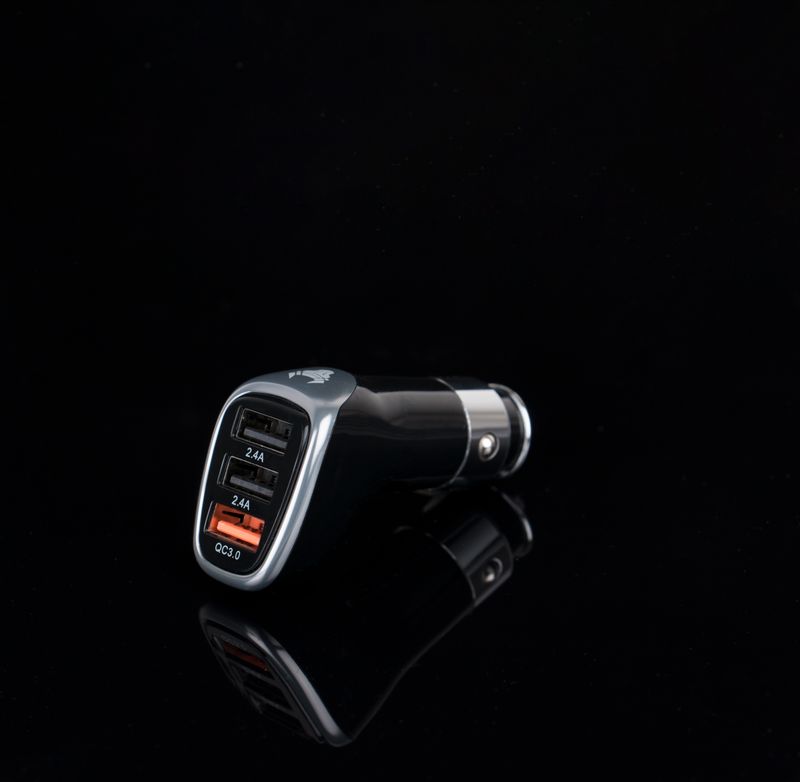
Charge in the car only while driving with the air conditioning on. Mount the phone in front of a vent rather than on the dashboard, and use a car charger such as the VoltEdge Dual USB-C Car Charger. When you park, unplug and take the phone with you.
Which cases and accessories help in the heat?
A case protects against drops but traps some heat, so the right case is one that fits well and comes off easily when the phone gets hot. A tempered glass screen protector guards against scratches from sand and grit. A padded, light-colored bag keeps laptops shaded and cooler than a dark bag left in sun.
Accessories worth considering for Arizona life:
- Slim, well-fitting cases, like the ArmorCase Clear Case for iPhone 17 or the ArmorCase Rugged Case for Galaxy S25 for trail and job-site use. Rugged cases protect more against drops, but remove them while charging if the phone warms up.
- Screen protection. Desert dust and grit cause fine scratches. An ArmorCase Tempered Glass Screen Protector can be fitted at either store with our Screen Protector Installation service, bubble-free and aligned.
- Laptop sleeves and bags. An ArmorCase Laptop Sleeve inside an ArmorCase Tech Backpack adds padding and keeps sun off the laptop on campus walks.
Are power banks safe in Arizona heat?
Power banks are safe when carried with you and kept out of direct sun, but they should never be left in a parked car or a sunny spot. They are lithium-ion batteries, so heat speeds up wear and raises safety risks. Stop using any power bank that swells, gets unusually hot or gives off an unusual smell.
How to use power banks well in summer:
- Pick the right size. The VoltEdge 10,000mAh Power Bank fits a pocket and suits a day out. The VoltEdge 20,000mAh Power Bank suits travel, hiking trips and charging two devices.
- Keep it in the shade of your bag, not clipped to the outside of a pack in direct sun.
- Do not charge a hot phone from a hot power bank. Let both cool first.
- Recycle damaged batteries properly. Do not put swollen or damaged batteries in household trash. Bring them to a battery recycling drop-off; ask us in store if you are unsure where to go.
What should you do if a phone overheats?
Move the phone out of the sun, take off its case, unplug it and close demanding apps. Then let it cool at room temperature, ideally in an air-conditioned space. Do not put it in a freezer, refrigerator or cold water, because sudden cooling can create condensation inside the phone and cause damage.
Step by step:
- Get the phone into shade or indoors.
- Remove the case and unplug any charger.
- Close navigation, camera and games; turn on low power mode.
- Wait until the temperature warning clears before using it heavily or charging.
- If it overheats often during normal indoor use, or the battery drains unusually fast, have it checked.
A phone that runs hot when idle, or a battery that has visibly swollen, needs attention. Bring it to either store for repair intake. We inspect it and give you a quote after inspection. If the device is under the manufacturer’s warranty or a SunCare plan, we explain how the claim works on our warranty page.
Do warranties cover heat damage?
Coverage depends on the cause. Manufacturer warranties cover defects in materials and workmanship, and normal battery wear is usually treated differently from a defect. Damage from misuse, including leaving a device in extreme heat, is commonly excluded. SunCare plans extend cover and add accidental damage; full plan terms are available in store.
That is why prevention matters most. A few habits, practiced every summer, keep a phone or laptop healthy for years:
- Take devices with you when you park.
- Charge indoors and keep battery protection settings on.
- Use shade, not cold, to cool a hot device.
- Replace worn batteries rather than living with a phone that shuts down every afternoon.
Where can you get help in Phoenix?
Both Sunbolt Camelback and Sunbolt Desert Ridge can check a device that is overheating, take a repair intake for a worn battery, and fit cases and screen protectors while you wait. Both stores are open every day — current opening hours are shown live on our store pages.
If you are choosing a new device, our guides to choosing a phone and choosing a laptop cover what else to look for. And if you need cover beyond the manufacturer’s warranty, read about our protection plans.
Temperature guidance in this article comes from Apple’s published iPhone operating and storage ranges. For other brands, follow the manufacturer’s published guidance for your model. Reviewed October 2026.